
mcpro24fps demo - video camera

star
3.35K reviews

Everyone
info
1M+
Downloads

Everyone
Learn more


About this app
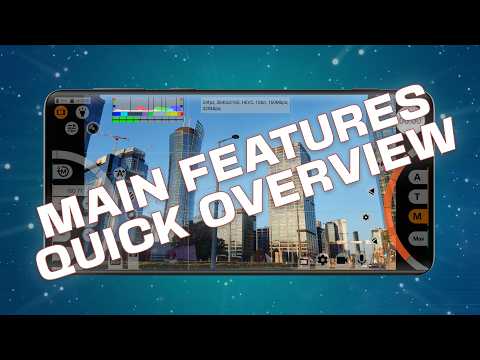
mcpro24fps demo is a free version of the professional camera app mcpro24fps. This application is designed to demonstrate the professional video shooting features available on your specific smartphone, aiding your decision-making process before purchasing.
Here’s what you can do:
Check the availability of the shooting modes and options that interest you.
Familiarize yourself with the video camera app's interface and evaluate its convenience.
Explore all the advanced tools of a professional camera with manual settings.
No gimmicks! No questions asked! No doubts!
You have the same camcorder as mc pro 24 fps in your hands with all its functional features, except for recording capabilities. Everything available in mcpro24fps demo on your phone will be accessible in the full version of the app.
Install demo version and discover everything that intrigues you!
Buy full version: https://bit.ly/mcpro24fps
Official website: https://www.mcpro24fps.com/
Our YouTube channel with helpful video tutorials: https://youtube.com/mcpro24fps
App chat on Telegram: https://t.me/mcpro24fps_en/
Demo version of the mcpro24fps manual video camera. Try and buy a full version!
Updated on
Safety starts with understanding how developers collect and share your data. Data privacy and security practices may vary based on your use, region, and age. The developer provided this information and may update it over time.
- No data shared with third partiesLearn more about how developers declare sharing
- No data collectedLearn more about how developers declare collection


Ratings and reviews
3.33K reviews

Nelesh Das
- Flag inappropriate
November 3, 2026
this is the best camera app , IN this application, we can do color grading, and many other things .
1 person found this review helpful

Frank Thinderline
- Flag inappropriate
September 2, 2026
ui is overloaded and not intuitive. bad usability. not able to change lens. deinstalled.
8 people found this review helpful

Ezhil Arasu
- Flag inappropriate
November 14, 2026
it's not like a normal app amazing by a pro works better for beginners
What’s new
- EV and color temperature readouts, zebra, false color and histogram now work from the sensor signal
- New histogram look
- More stable GOP setting
- Bug fixes
Everyone
Learn moreApp support
About the developer
CHANTAL PRO SIA
info@mcpro24fps.com
16-34 Bebru iela, Jekabpils
Jekabpils novads, LV-5201
Latvia
+48 571 250 452


